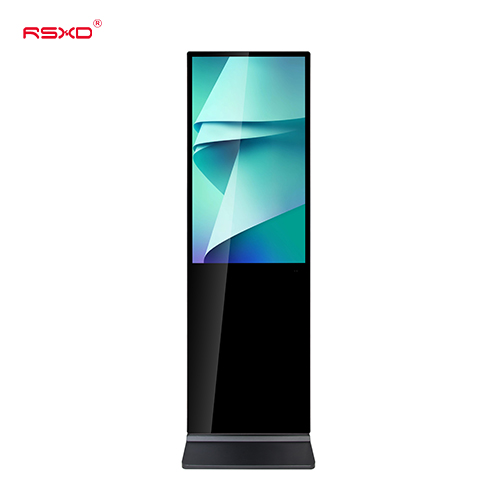
Floor-Standing LCD Advertising Display
A freestanding digital poster for malls, hotel lobbies, exhibitions and other indoor communication points.
Explore the configurationFreestanding LCD signage for the places people gather. Introduce campaigns, welcome visitors and guide the next step.
Compare the physical format, operating environment and content workflow. Build the specification around the way the display will be used.
View the collectionA freestanding digital poster for malls, hotel lobbies, exhibitions and other indoor communication points.
Explore the configuration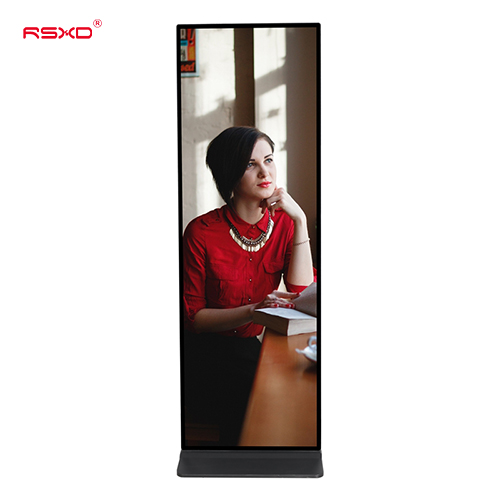
A slim visual format for full-height digital posters and brand communication in indoor commercial environments.
Explore the configurationA display is part of a physical place and an operational workflow. Bring those requirements together early.
Check sightlines, ambient light, installation space, access and the operating environment.
Agree what people see or do, who updates the content and how hardware and software connect.
Approve drawings, model specifications, software scope and the installation and support responsibilities.
Explore planning considerations for common applications. These are deployment guides, rather than claims about completed customer projects.
Place promotional and directional content along natural visitor paths.
Plan this applicationCombine welcome messages, event information and wayfinding in the lobby.
Plan this applicationCreate a distinct digital point for a booth, launch or temporary campaign.
Plan this applicationA clear sequence reduces ambiguity between product selection, integration and site work.
Send location, quantity, use and available space.
Review the panel, system, enclosure and software scope.
Check drawings and a representative configuration.
Agree installation, content access and ongoing support.
Practical guides for specifying and operating your display project.
All resourcesChoose a digital totem location using circulation, visibility, power access and maintenance needs.
Choose a freestanding display around the visitor task, application ownership and support requirements.
Plan delivery access, inspection, positioning and operator handover before a digital signage totem reaches the venue.
Share the location, application and intended experience. We can review a configuration and the work needed to bring it into use.
Prepare a project inquiry